
SharePoint Intranet Templates for 2026
This is a gallery of modern SharePoint intranet templates and examples, built with custom web parts using SharePoint SPFx framework to extend SharePoint beyond its out-of-the-box capabilities. Browse 17+ designs featuring 40+ SPFx web parts, including intranet homepages, HR pages, training sites, department pages, and knowledge bases. Each example shows a ready-to-install SharePoint template that can be securely deployed to your Microsoft 365 tenant and customized to your organization’s needs. No coding required. Ready for IT approval.
Watch these templates in action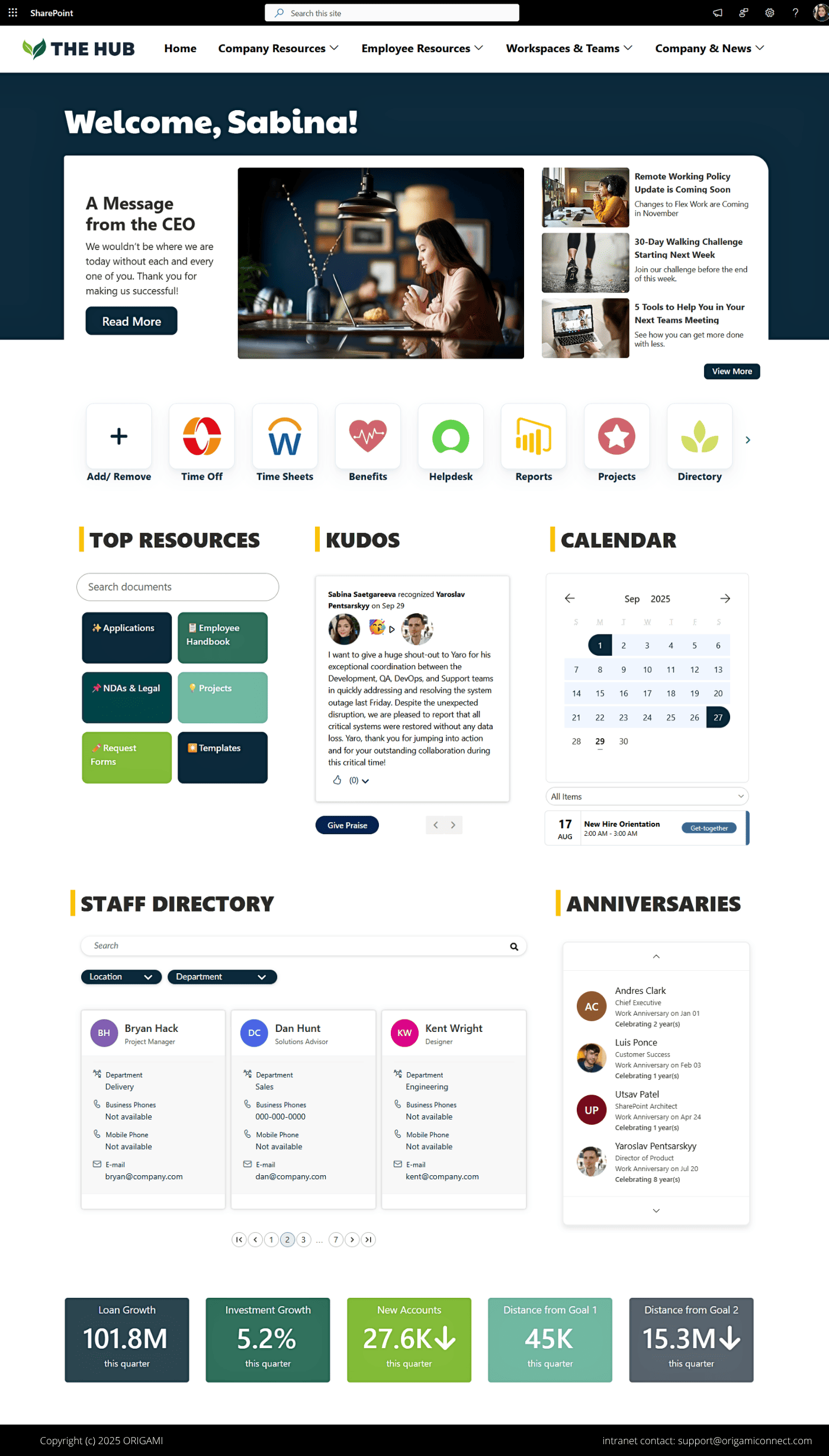
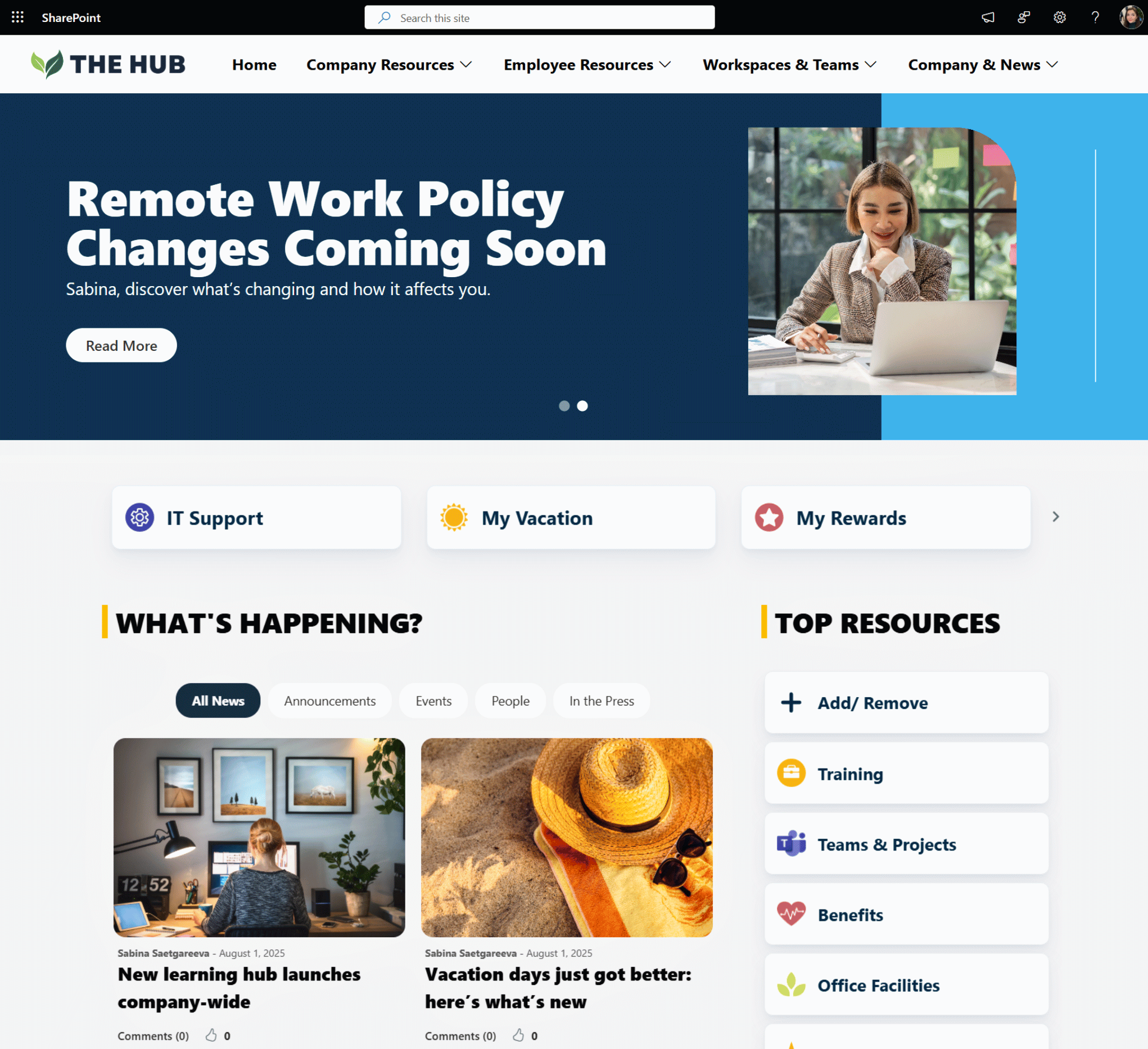
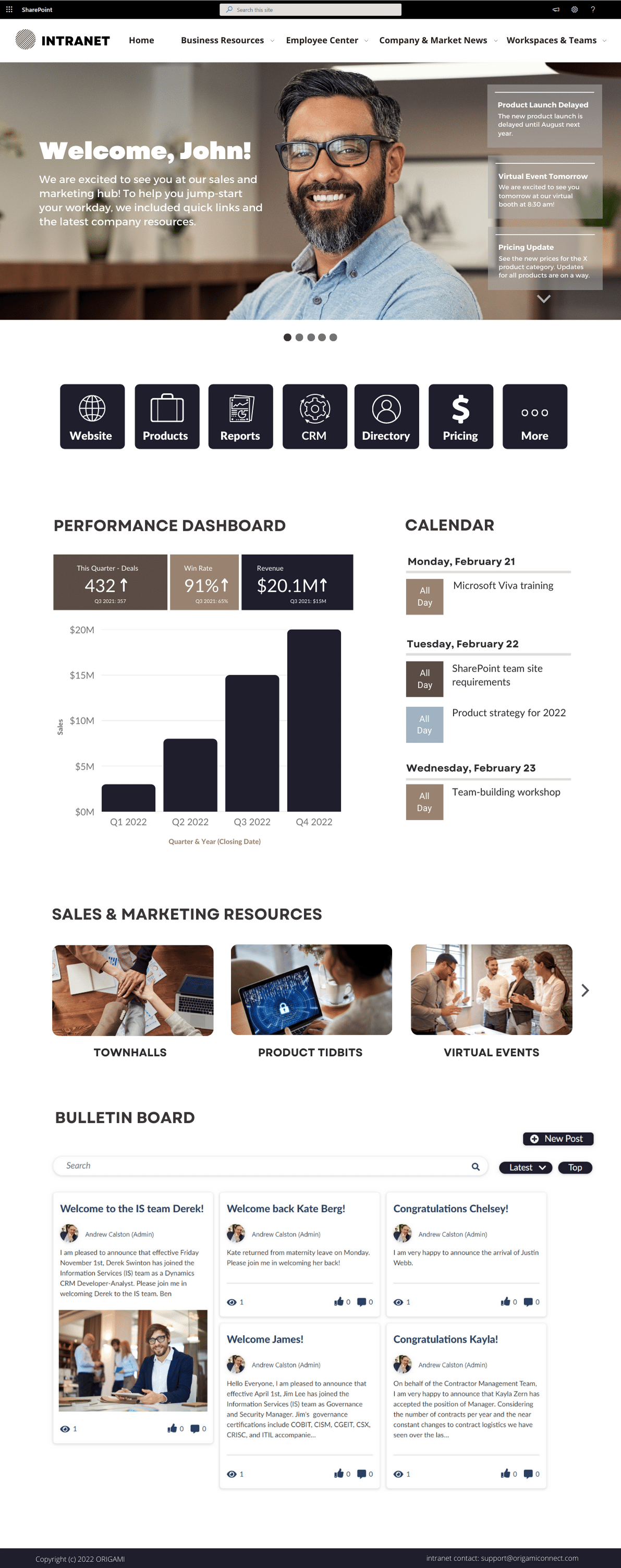
Modern SharePoint Intranet Homepage Template
A modern SharePoint intranet homepage template that centralizes employee resources, apps and shortcuts, KPIs, organizational news, and event calendars to improve internal communication inside Microsoft 365.
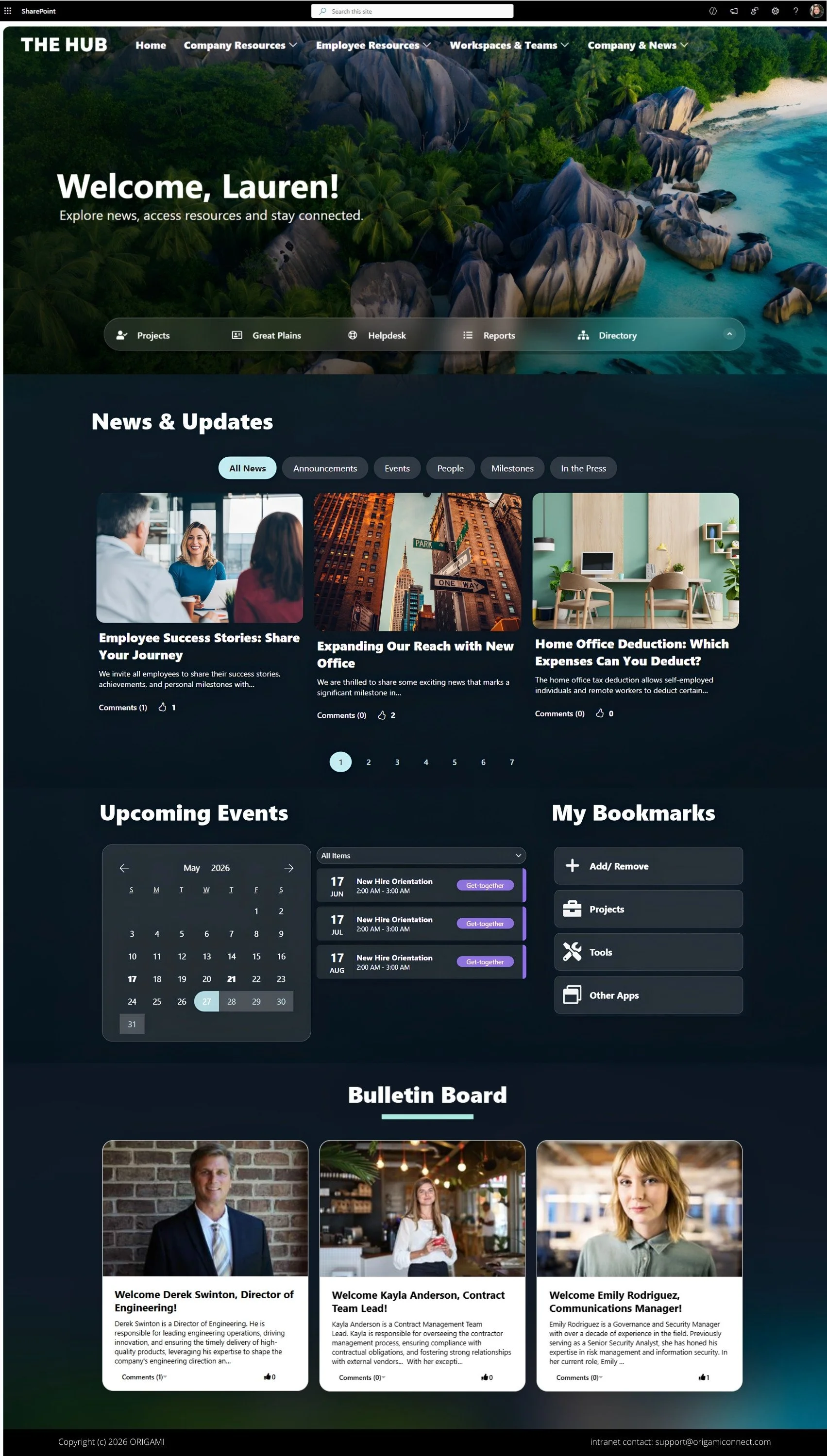
SharePoint Intranet Homepage Template (Dark Mode)
This immersive dark mode SharePoint intranet template combines personalized greetings, company news, quick links, and workplace resources to create a more engaging employee experience.
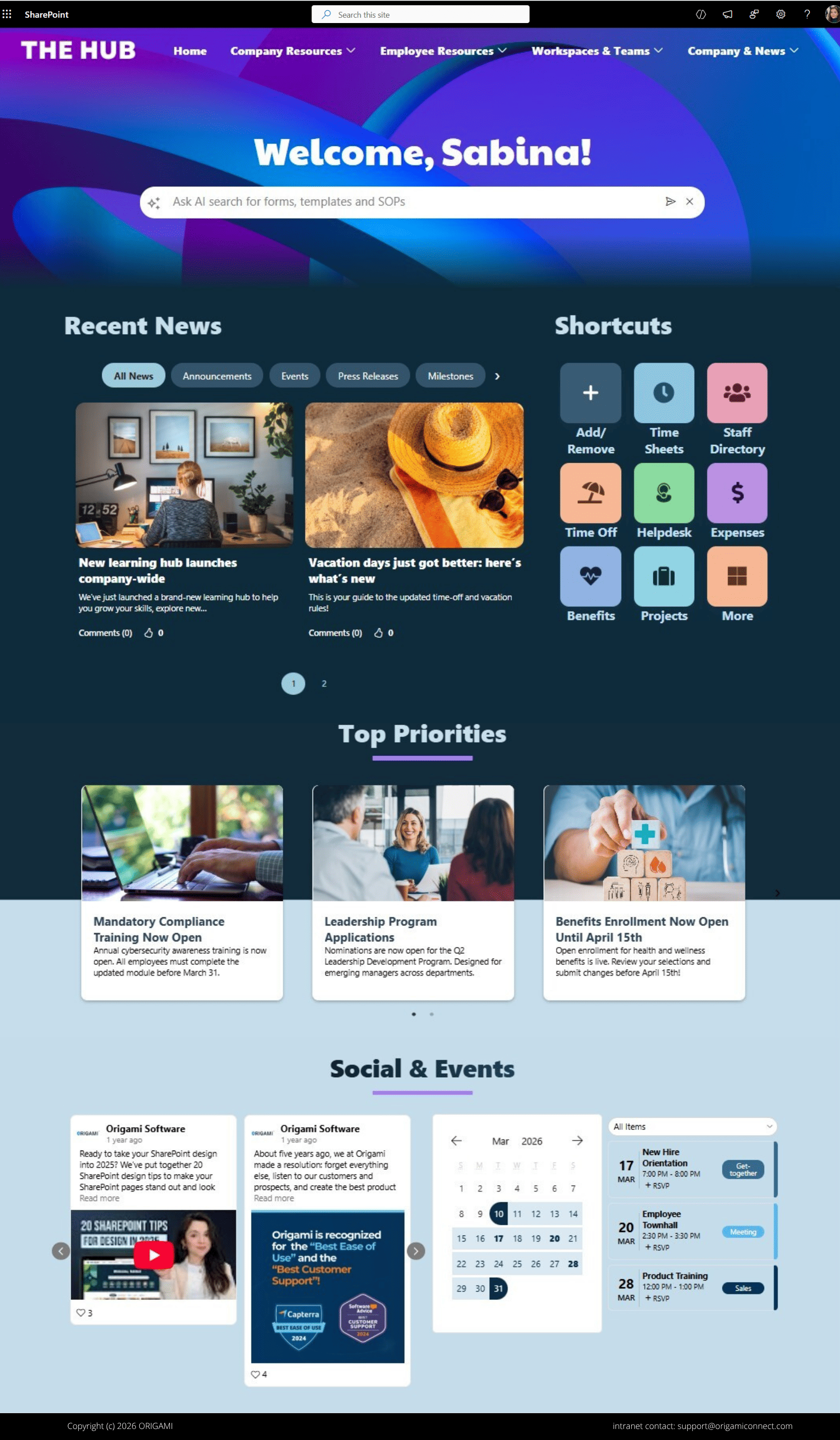
AI-Powered SharePoint Intranet Homepage Template
This AI-powered SharePoint intranet template combines enterprise search, workplace shortcuts, and company communications to help employees quickly find information and resources.
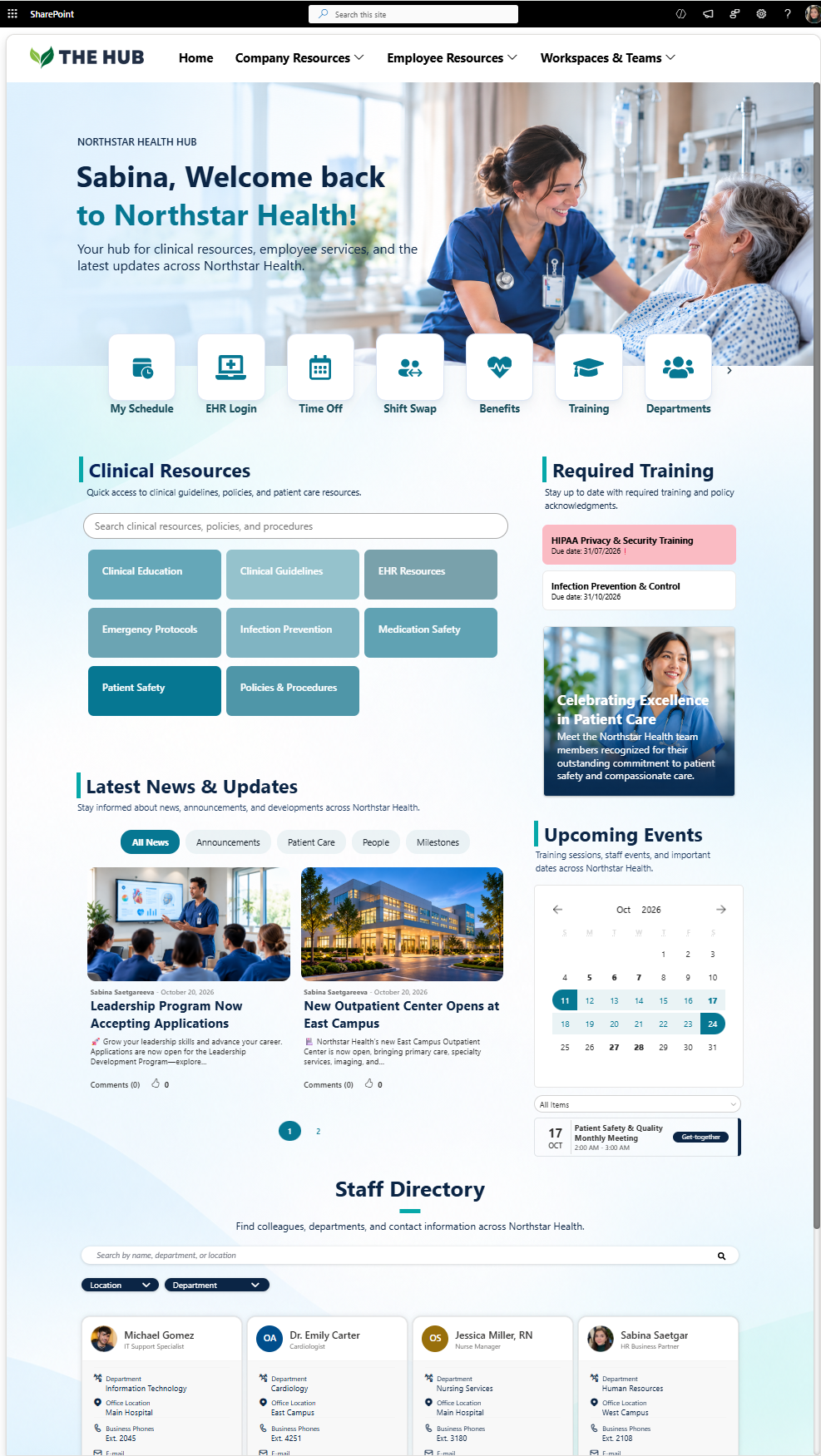
SharePoint Intranet for Healthcare Template
A centralized SharePoint intranet for healthcare with clinical resource hubs, required training tracking, organizational news updates, an events calendar, and a staff directory that helps streamline internal communication and clinical operations.
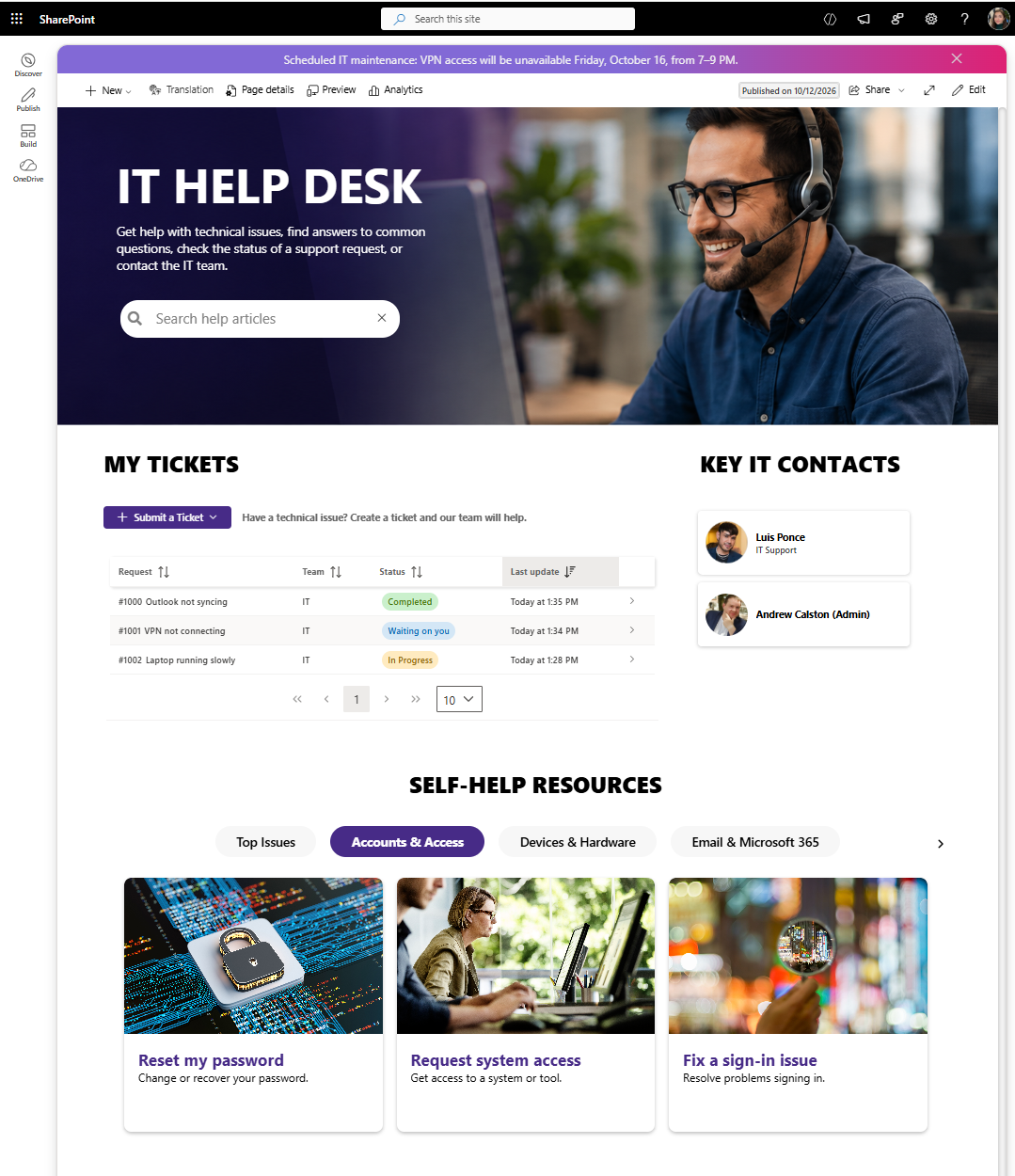
SharePoint Help Desk Ticketing System Template
This SharePoint help desk template includes a fully functional ticketing system built with ready-made SPFx web parts. Employees can submit and track support tickets, communicate with support teams, and receive email updates.
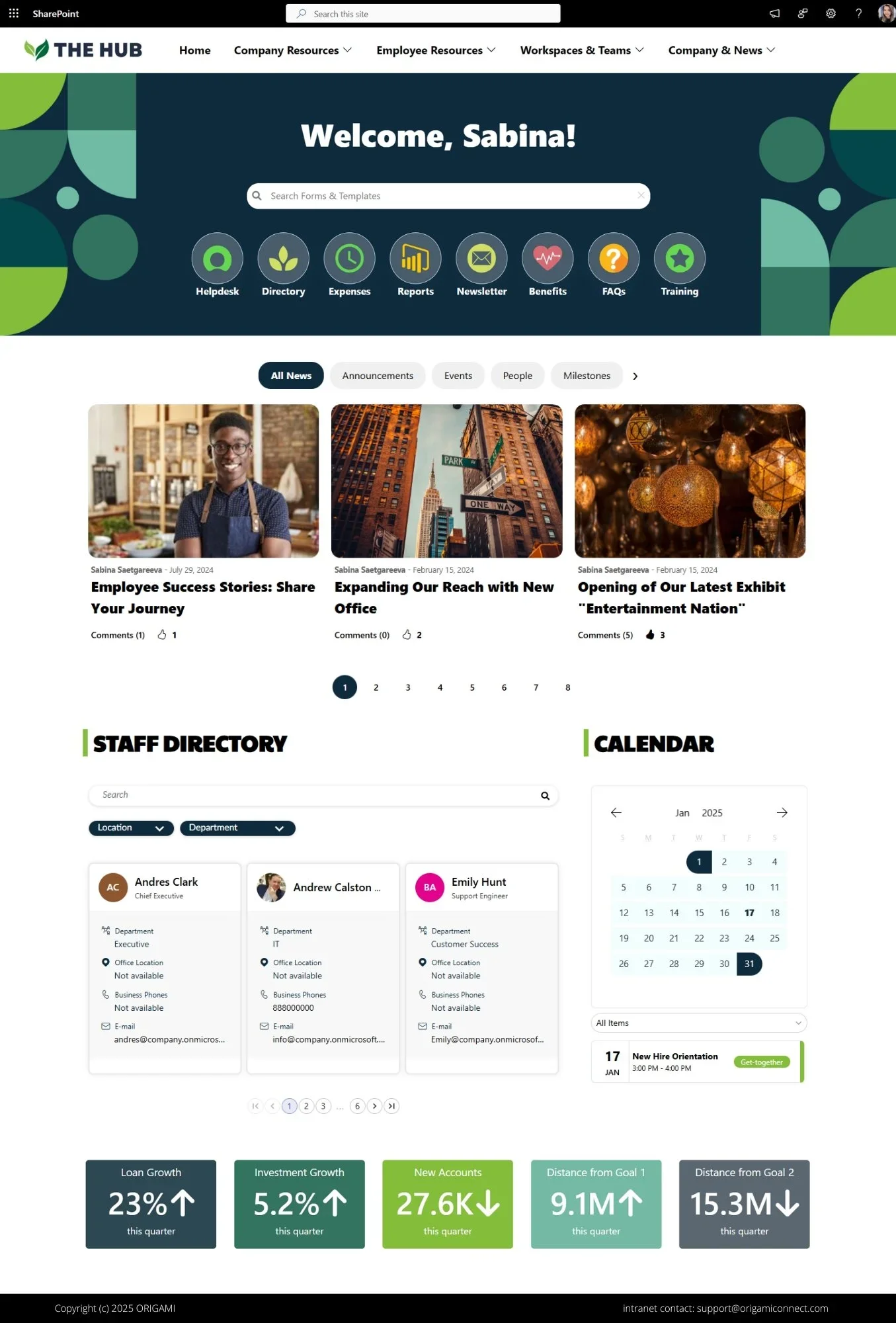
SharePoint Communications Site Template with Search
A beautiful SharePoint communications site template with customizable search, staff directory, team calendar, and dynamic news feeds that improve employee access to workplace information.
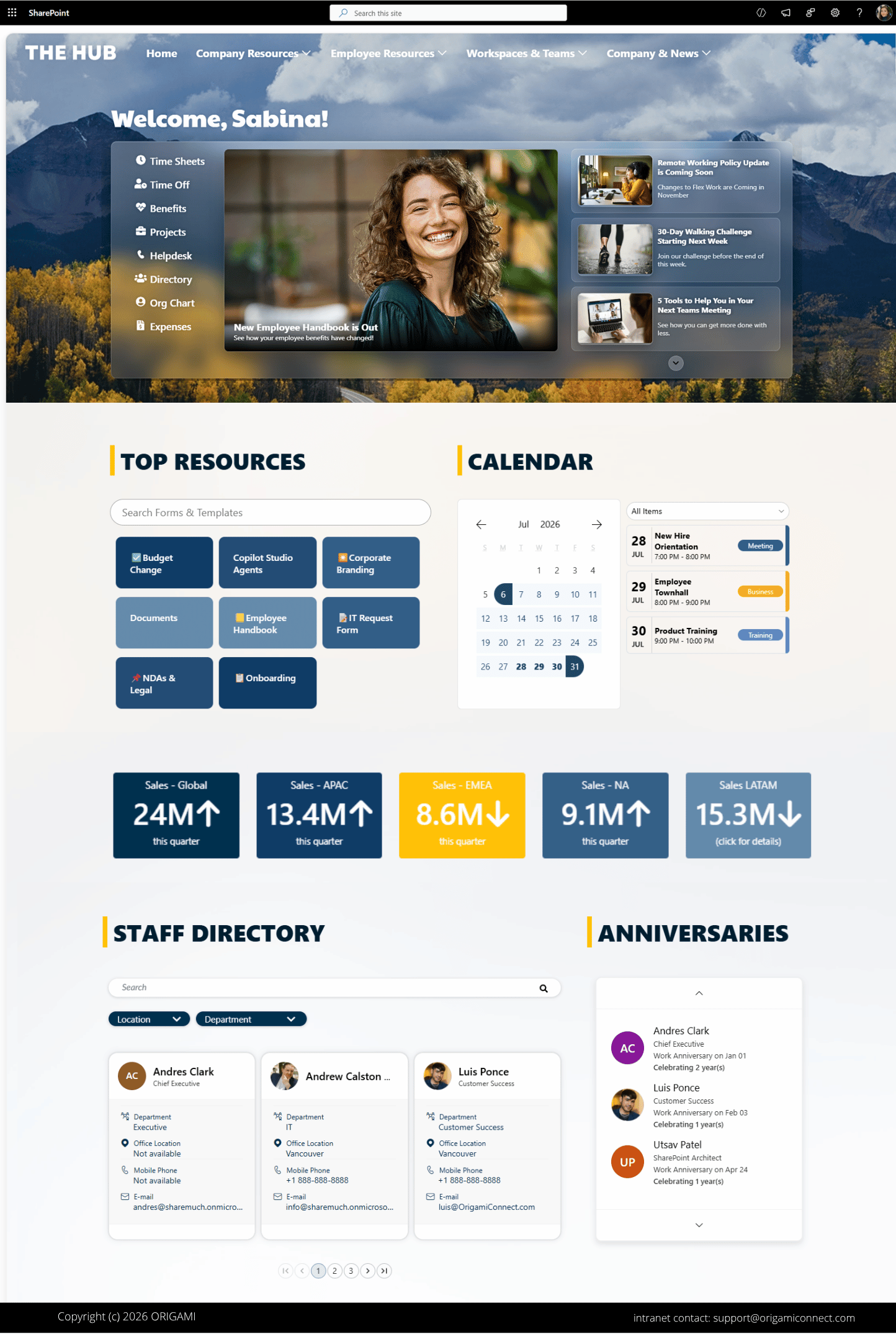
SharePoint Intranet Homepage Template (Glass Style)
A modern, glassmorphism-inspired SharePoint intranet homepage that brings together company news, employee anniversaries, events, business applications, workplace resources, and key metrics in one engaging employee experience.
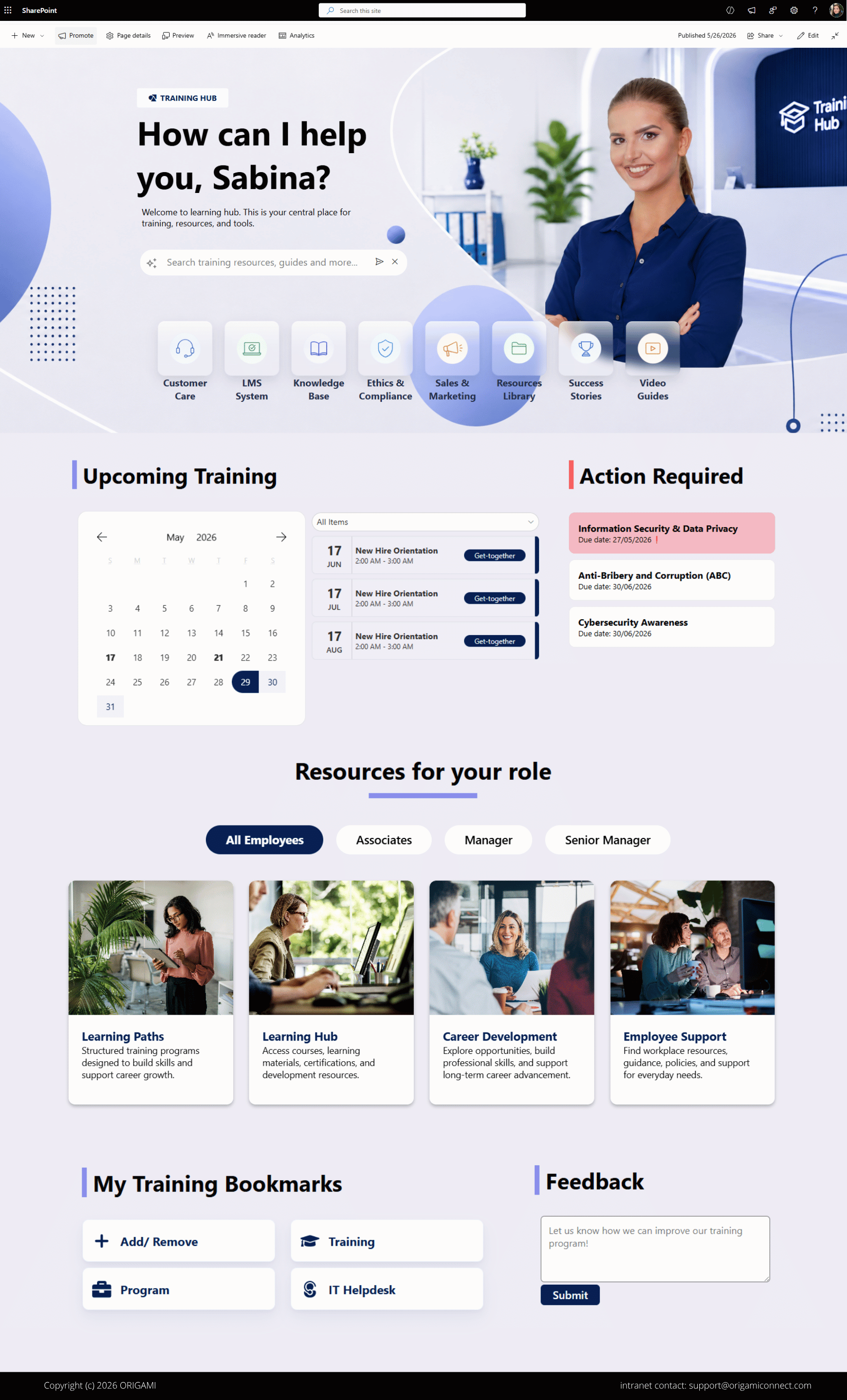
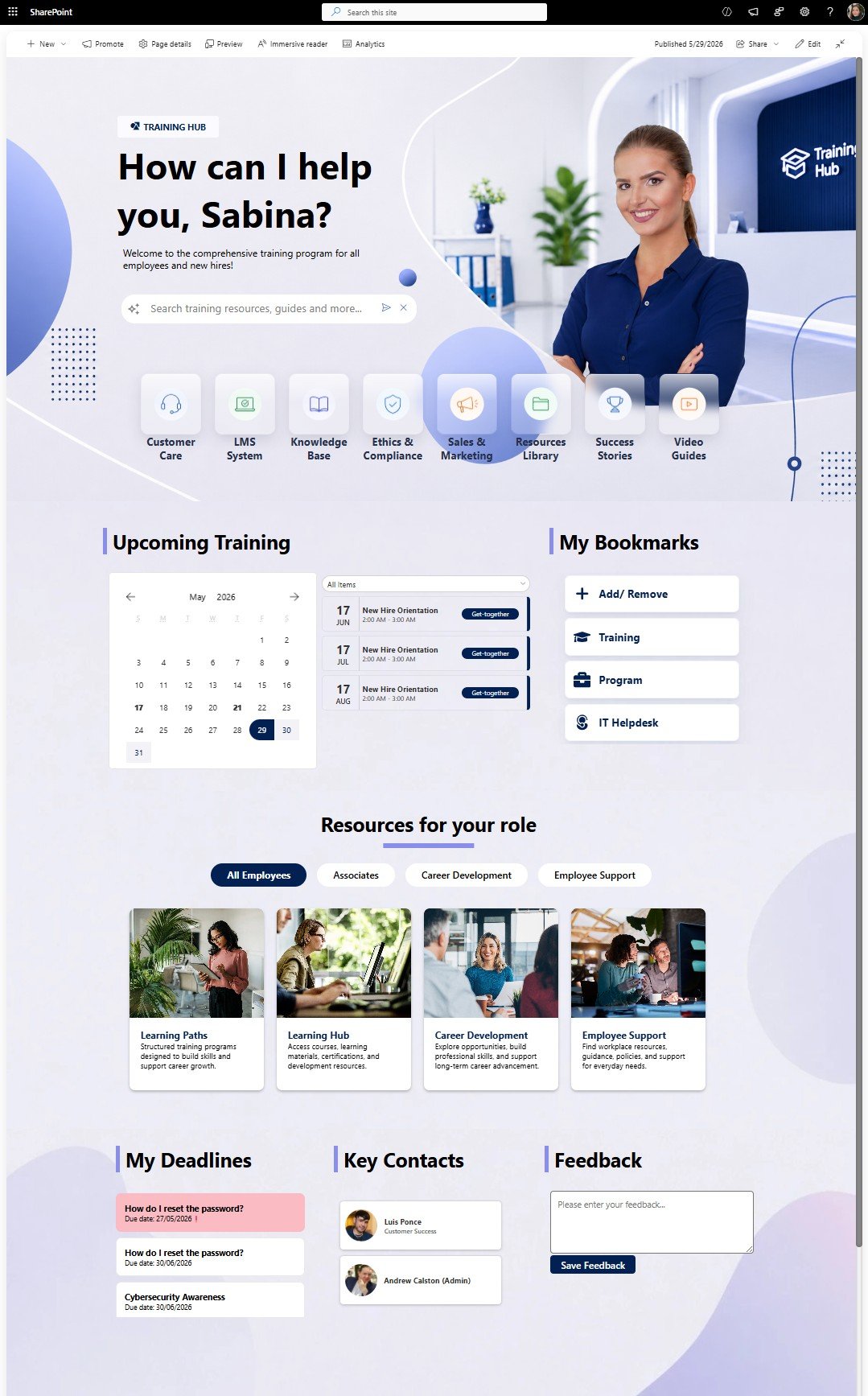
SharePoint Training Hub Template for Employee Learning
A SharePoint training hub template that organizes onboarding, required training, certifications, and learning calendars to improve employee training and compliance management.
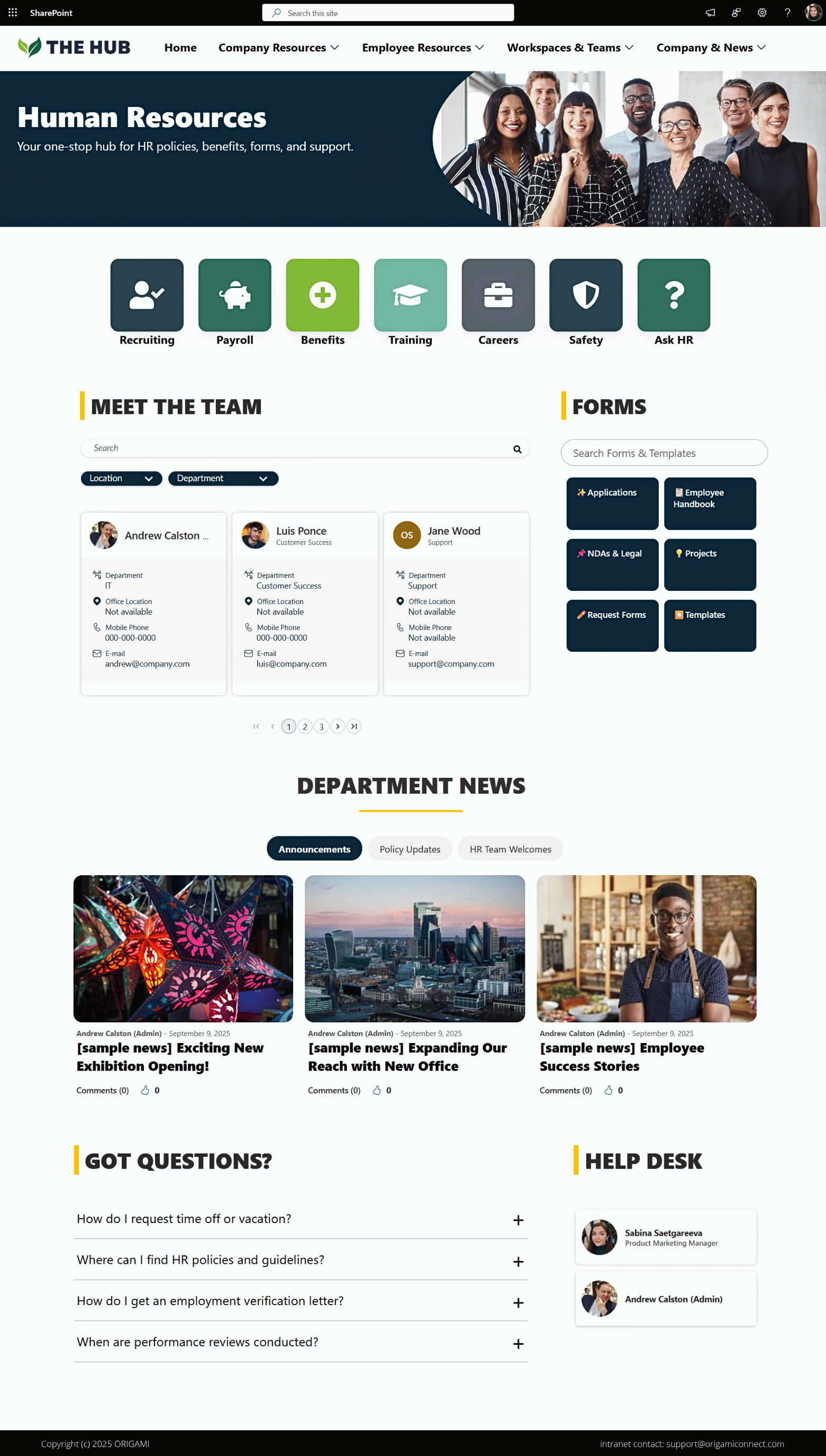
SharePoint Department Site Template
This SharePoint department site template centralizes departmental news, forms, resources, calendars, and quick links to improve team communication and resource access.
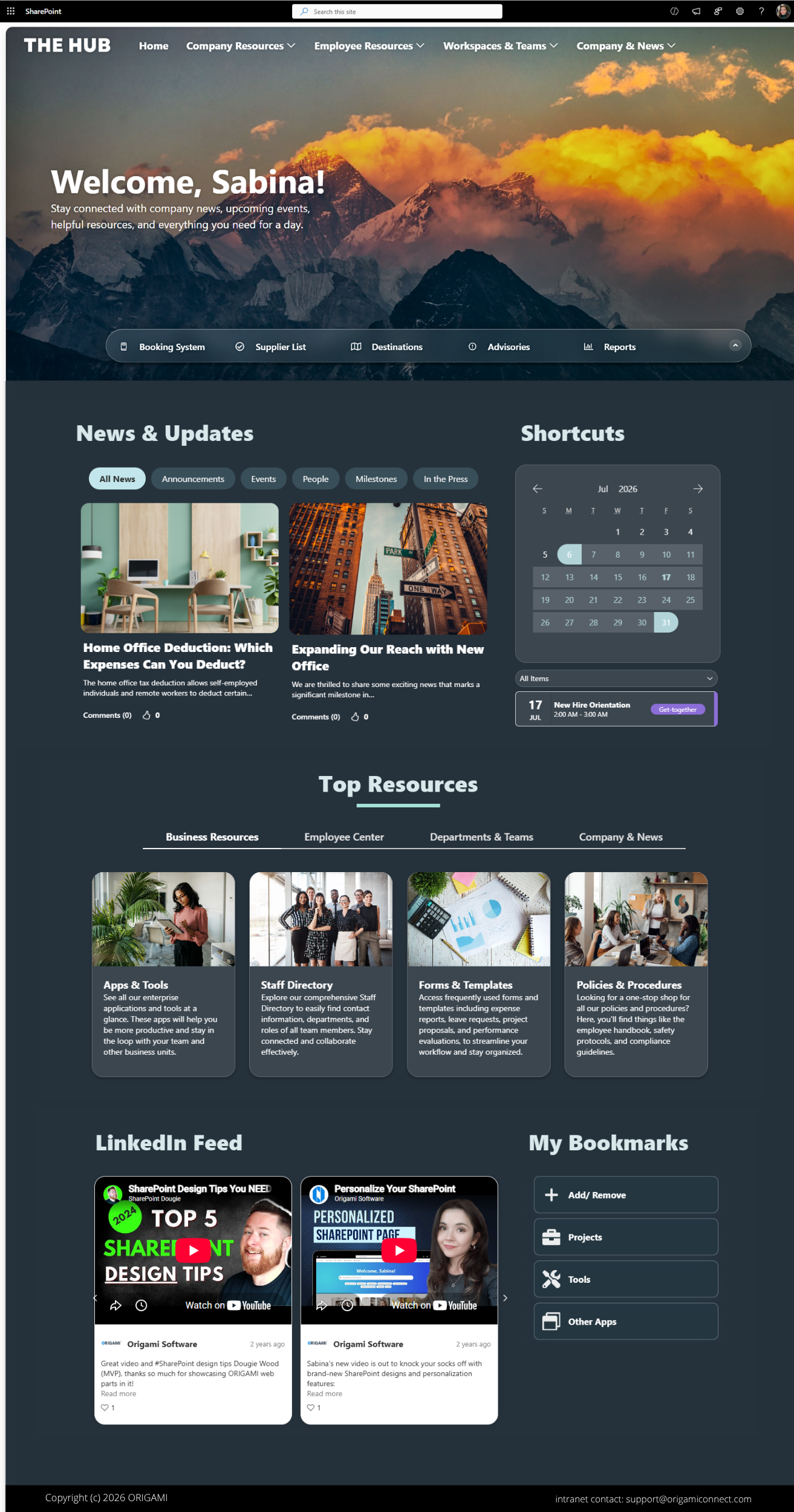
SharePoint Intranet Homepage Template (Dark Glass)
This modern SharePoint intranet homepage designed to help employees stay connected with company news, LinkedIn updates, event calendars, workplace resources, and personalized content.
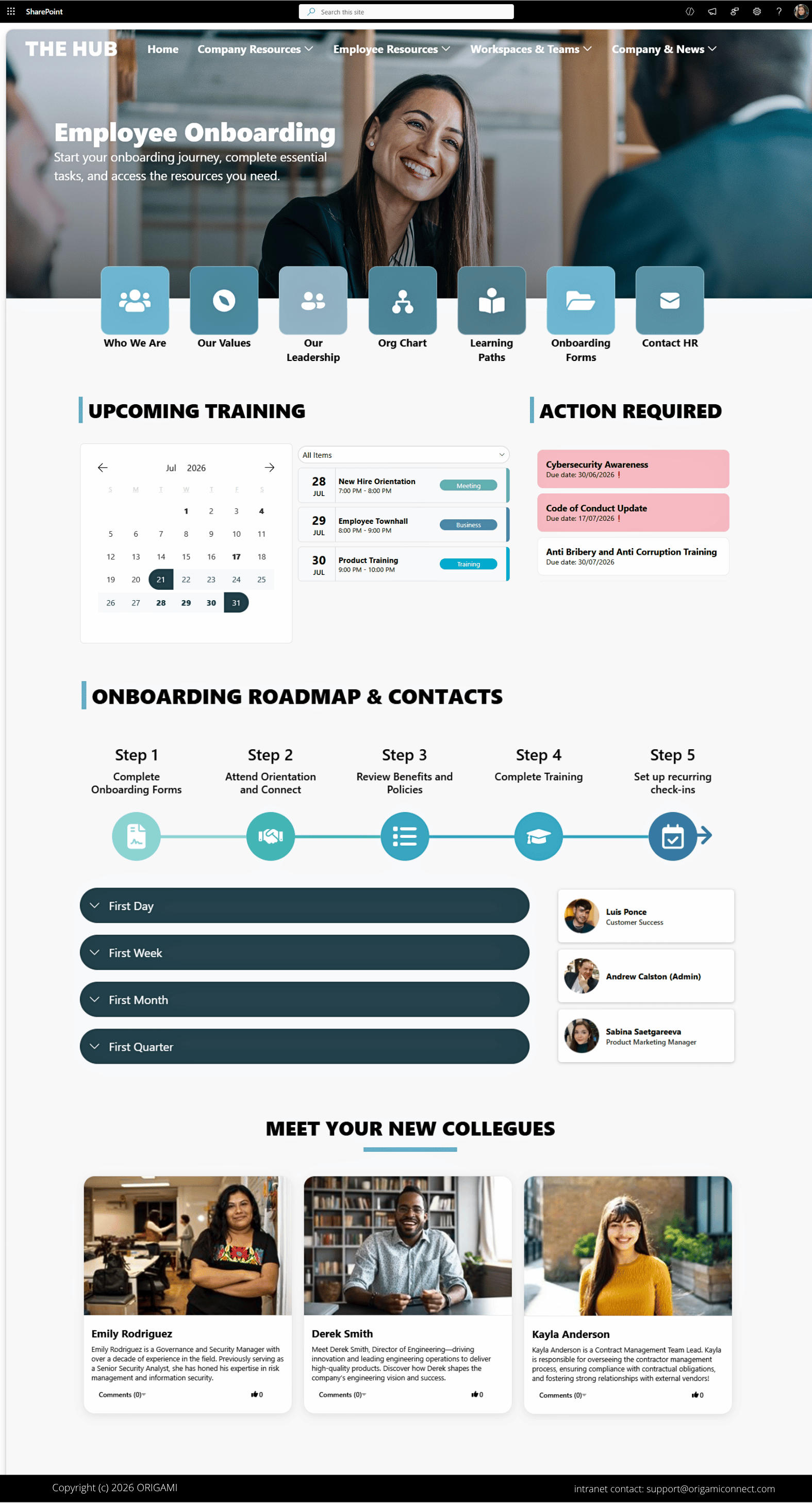
SharePoint Employee Onboarding Portal Template
A centralized SharePoint onboarding portal with onboarding roadmap, mandatory read reminders, new hire welcomes, and quick links that help simplify the employee onboarding experience.
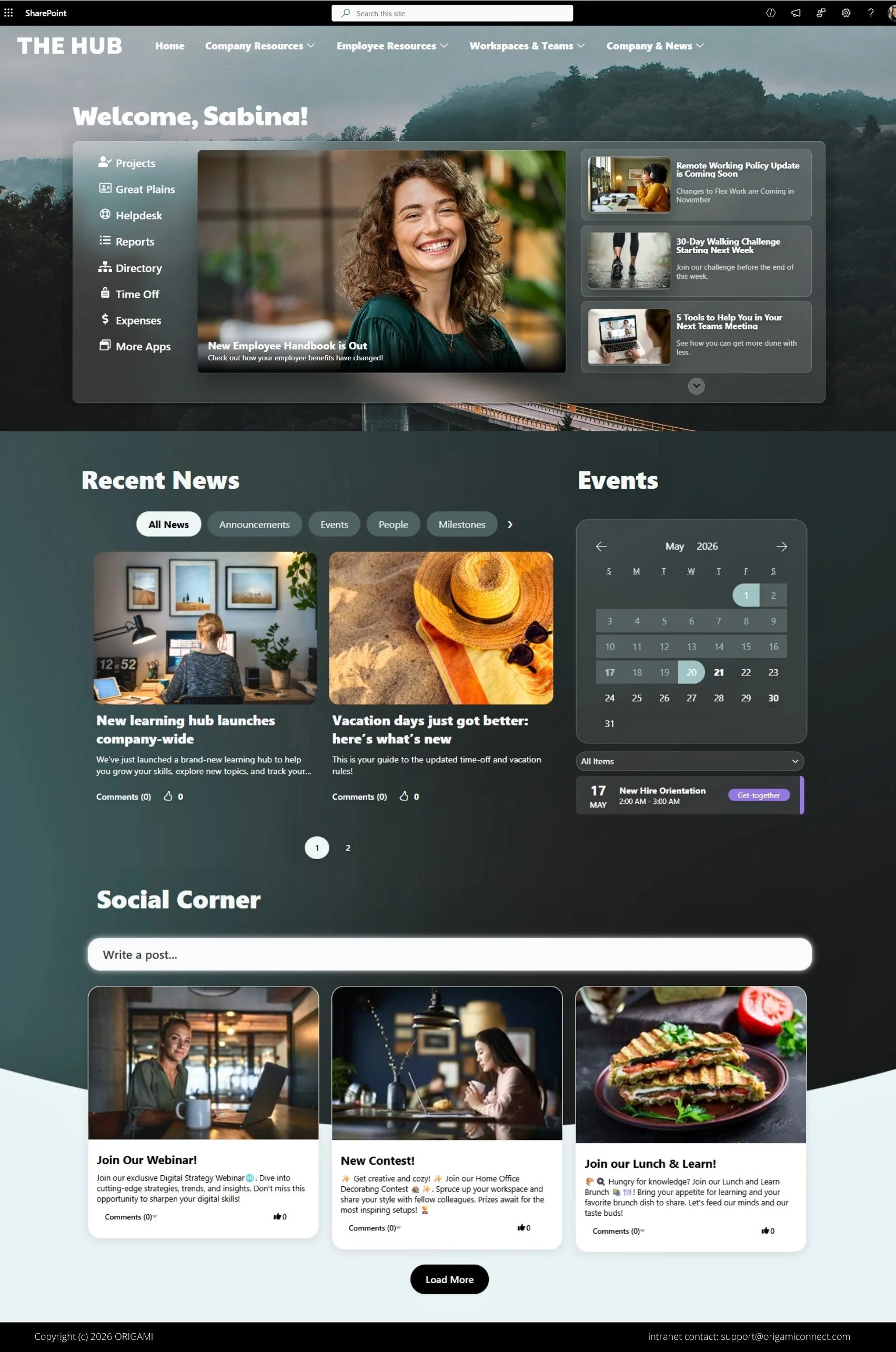
Modern Glass Style SharePoint Intranet Template
A modern glass-style SharePoint intranet homepage using layered transparency layouts, targeted news, and employee resources to create a more visually engaging digital workplace.
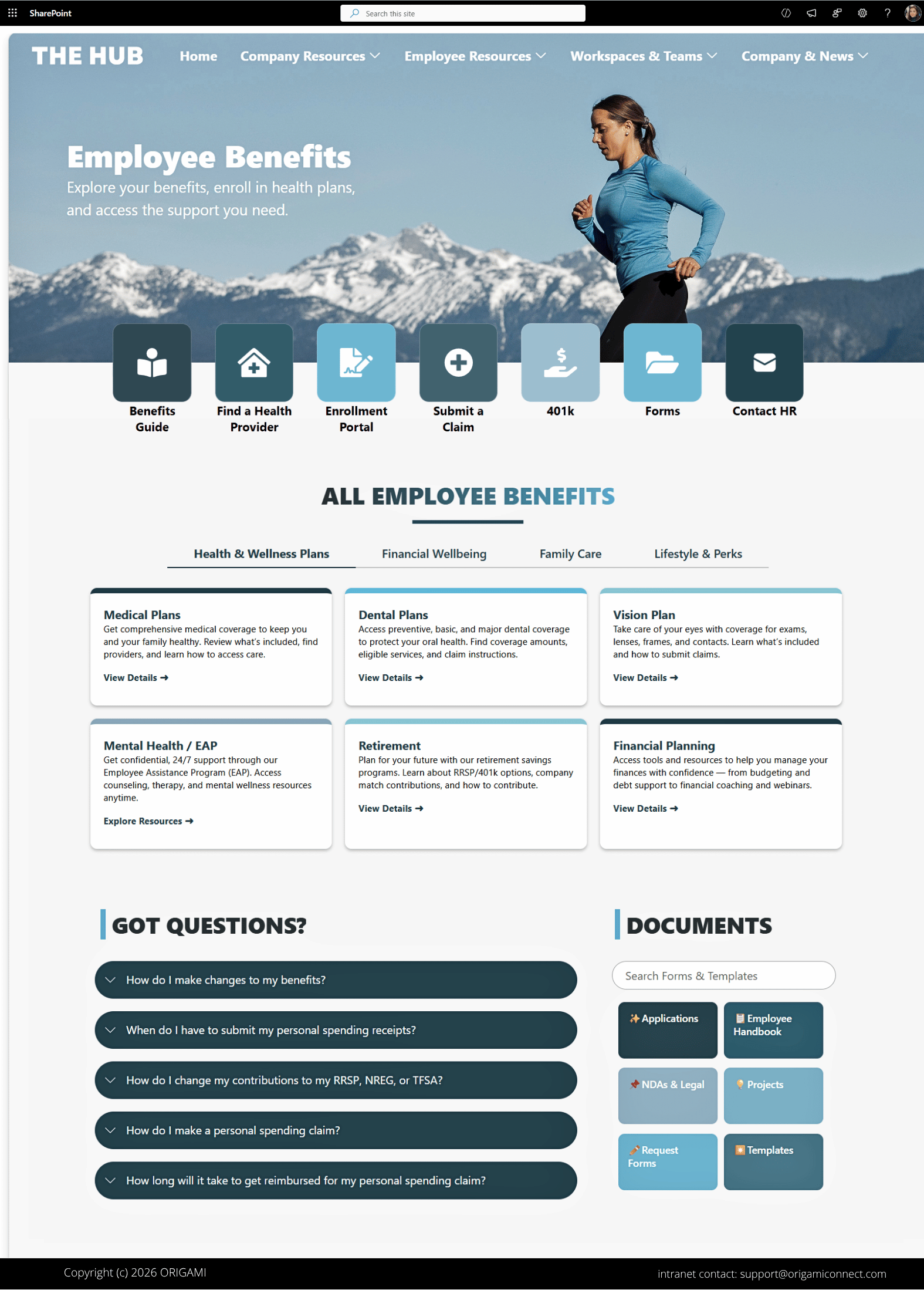
SharePoint Employee Benefits Page Template
A modern SharePoint employee benefits portal that helps employees easily explore benefits, stay informed about benefits updates, and easily access the resources they need.
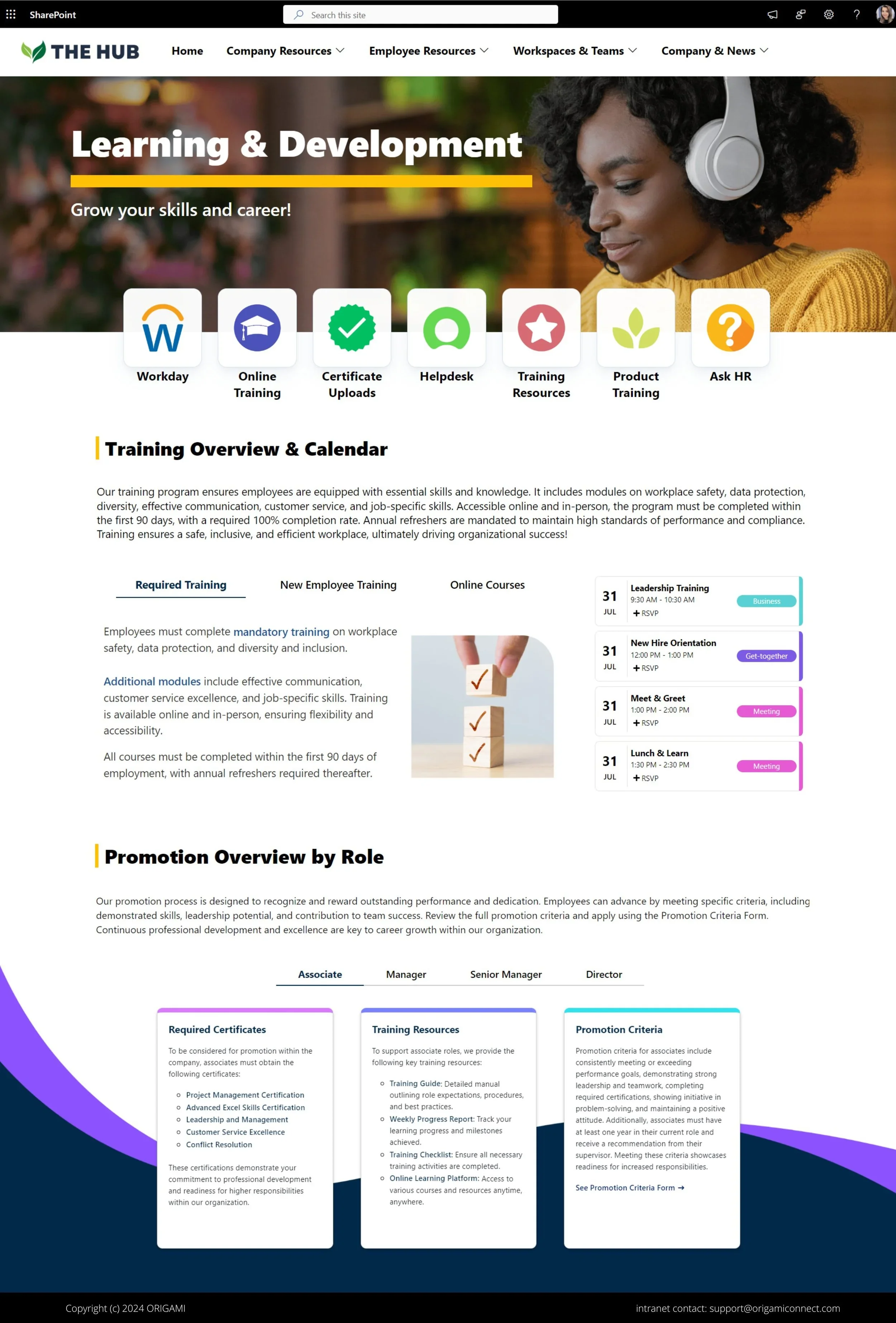
SharePoint Learning and Development Site Template
This SharePoint learning and development template organizes workplace training, certification programs, and employee learning resources to support professional growth across Microsoft 365.
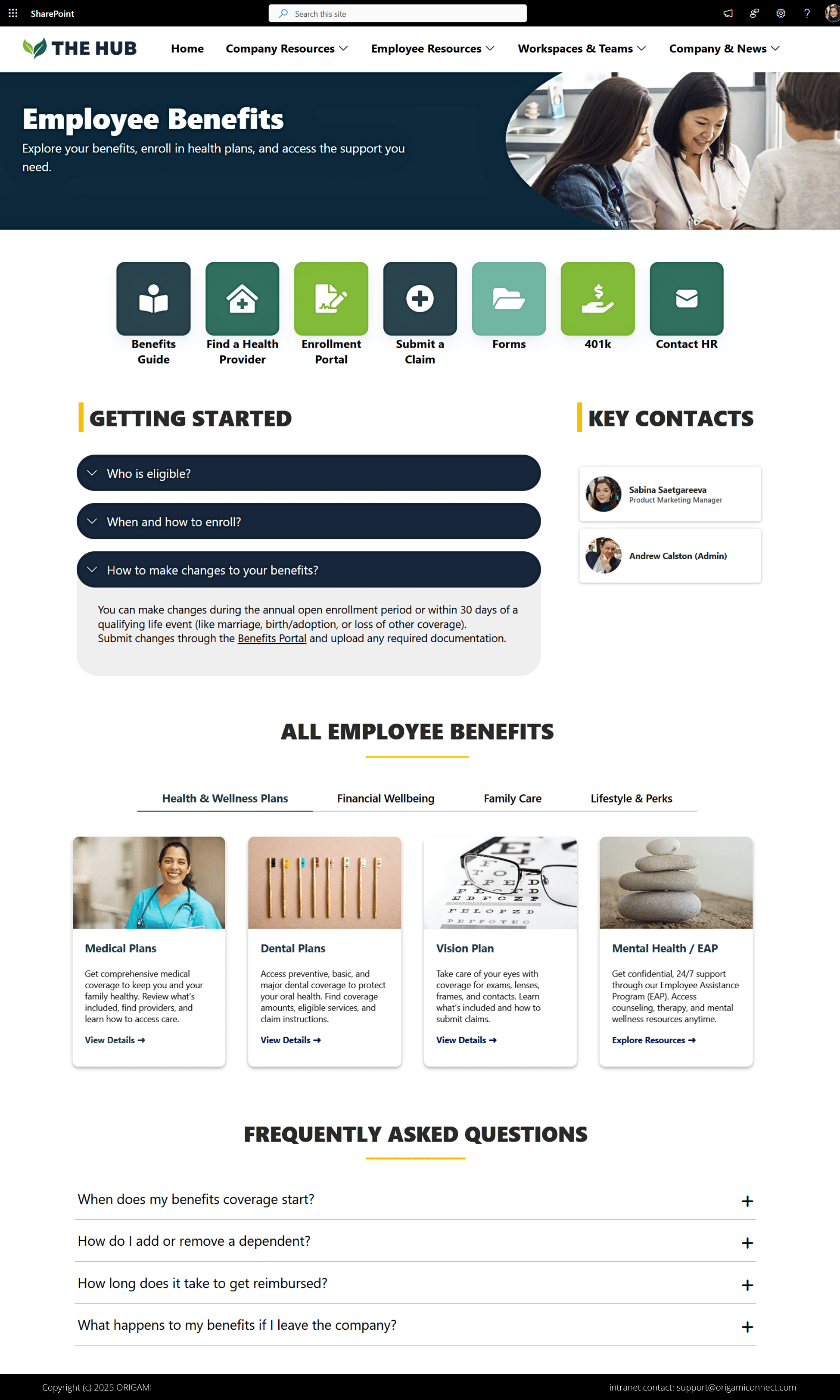
SharePoint Employee Benefits Portal Template
A modern SharePoint employee benefits portal that simplifies benefits enrollment, wellness resources, retirement planning, and HR self-service for employees.
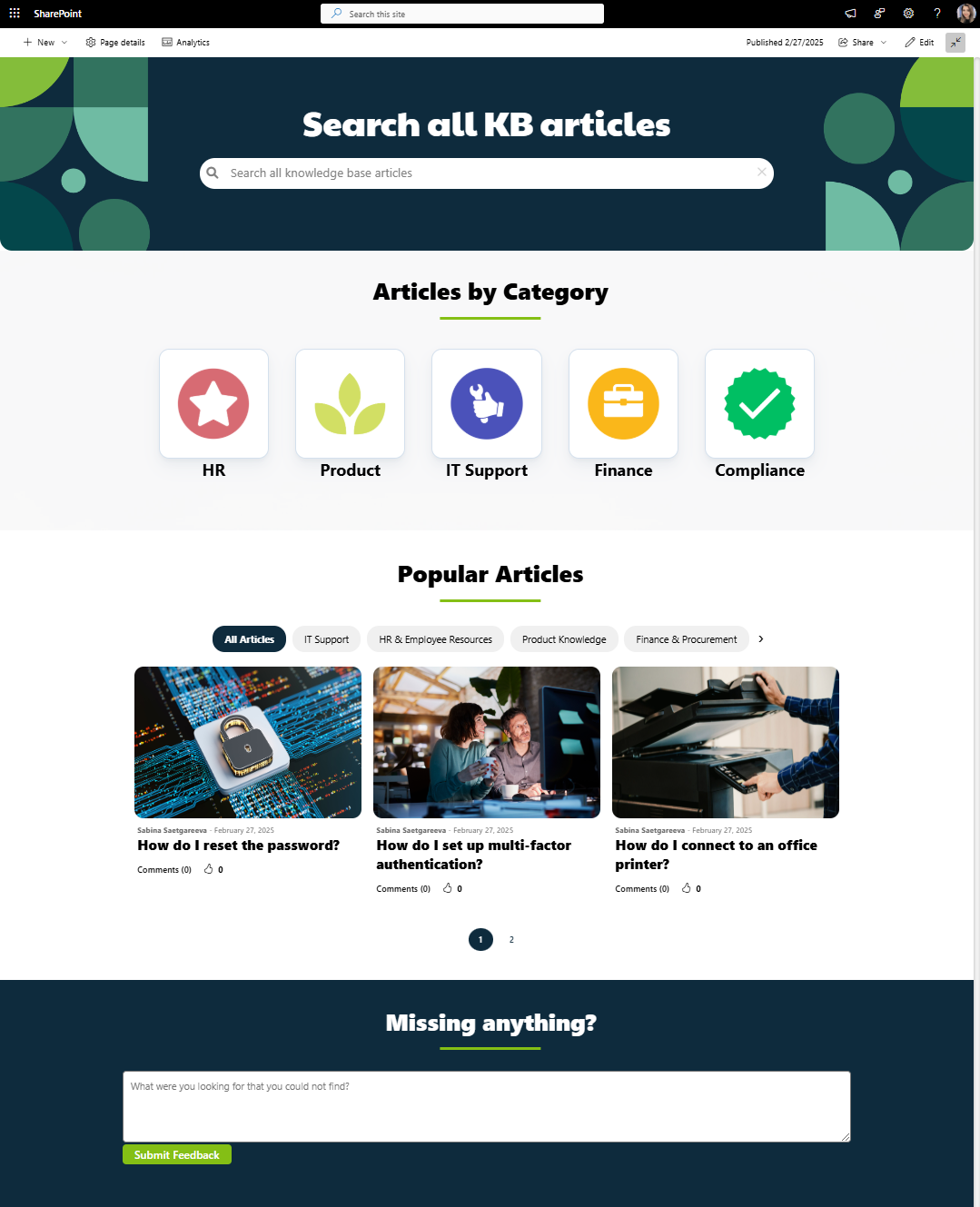
SharePoint Knowledge Base Site Template with Search
This SharePoint knowledge base template combines enterprise search, topic-based navigation, popular articles, and employee feedback tools to help employees quickly discover workplace knowledge.
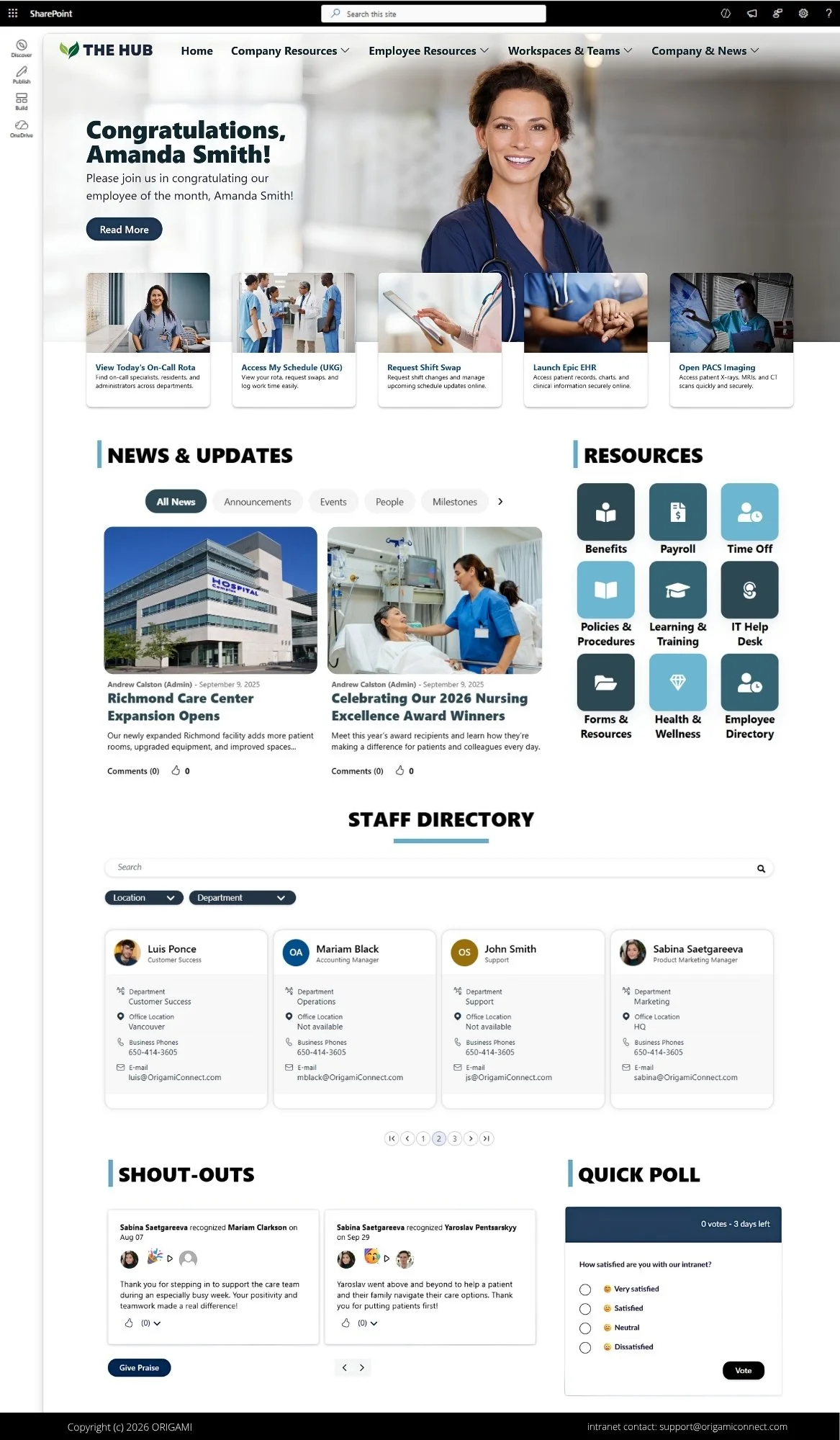
SharePoint Intranet Homepage for Healthcare
This modern healthcare intranet template keeps frontline and administrative employees connected with quick access to schedules, shift swaps, clinical apps, policies, and other resources.
Frequently Asked Questions
How are these templates different from out-of-the-box SharePoint templates?
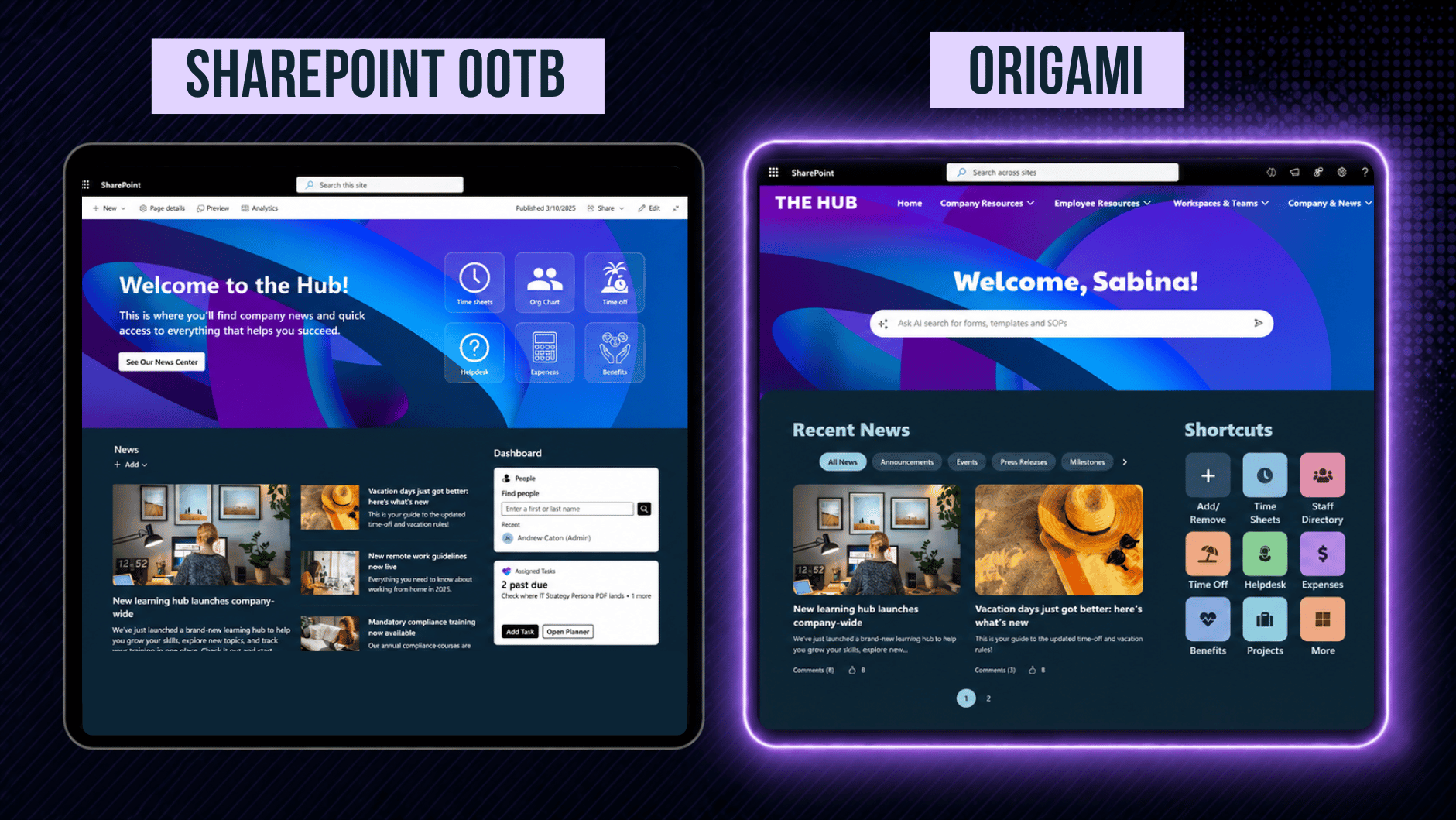
Many out-of-the-box SharePoint examples achieve their look primarily through images, flexible sections, and standard SharePoint web parts. They can provide useful design inspiration, but their functionality and customization options are limited to what SharePoint provides.
Origami templates use 40+ custom SPFx web parts to add functionality and design flexibility, including audience targeting and personalization. Some components also integrate with Microsoft Entra ID, allowing employee directories, new hires, and anniversaries to update automatically as your organization changes.
See our SharePoint web parts guide for a detailed comparison of standard SharePoint functionality and Origami SPFx components.
Are these actual SharePoint templates or just design examples?
What do these SharePoint intranet templates include?
The templates include 40+ SPFx web parts and components for building intranet homepages, department sites, HR pages, training sites, resource centers, and knowledge bases.
Components include navigation, employee directories, news and events, calendars, quick links and bookmarks, search, employee anniversaries, mandatory reads, FAQs, SharePoint ticketing, intranet analytics, and other common intranet features.
See the Origami features page for the full list of available web parts and functionality.
Do these SharePoint intranet templates require coding?
Can these SharePoint templates be customized to our brand?
Yes. Each web part and component includes its own design and configuration options, allowing you to customize its size, layout, colors, fonts, and other visual elements directly in SharePoint.
This allows organizations to create a consistent intranet design based on their existing brand without having to develop custom web parts.
Can I use these templates with my existing SharePoint intranet?
Can I use native SharePoint functionality with these templates?
Yes. Origami templates are built for SharePoint and can be used alongside standard SharePoint functionality.
You can combine Origami SPFx web parts with native SharePoint web parts such as News, Events, Quick Links, document libraries, lists, and other Microsoft 365 functionality on the same intranet.
How do I install these templates in my Microsoft 365 tenant?
Origami is installed as an SPFx solution through your organization's SharePoint App Catalog. The automated installer takes about 10 minutes, after which templates from this gallery can be installed with a single click.
All templates and components run within your Microsoft 365 tenant, so there's no need to move your SharePoint content to a separate intranet platform.
Are these SharePoint intranet templates secure?
Origami runs within your Microsoft 365 environment, with no external hosting or telemetry, so your SharePoint content remains within your Microsoft 365 tenant.
Origami is also scanned for software vulnerabilities as part of its development and release process.
Explore more SharePoint examples
See what other designs are possible with Origami.
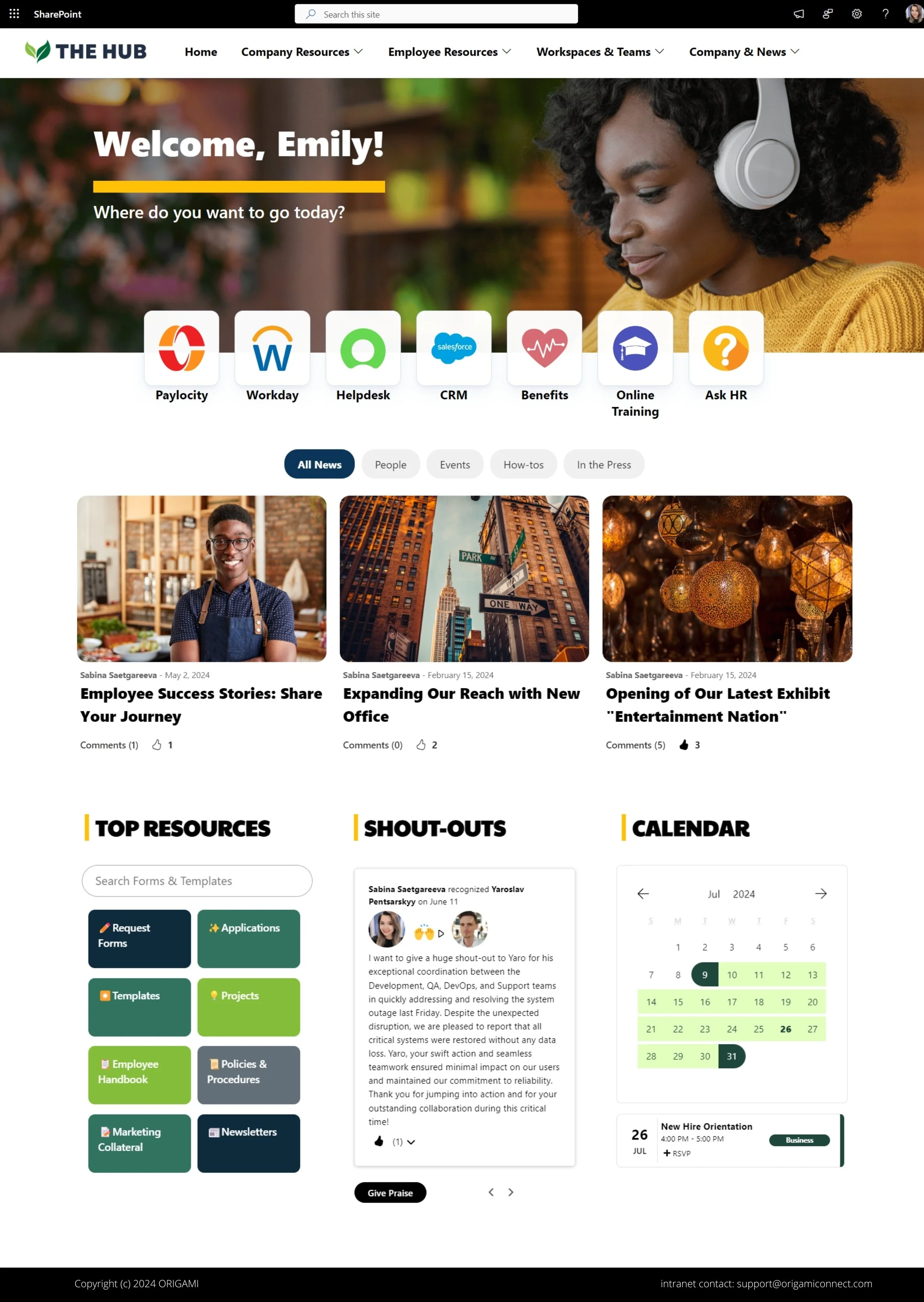
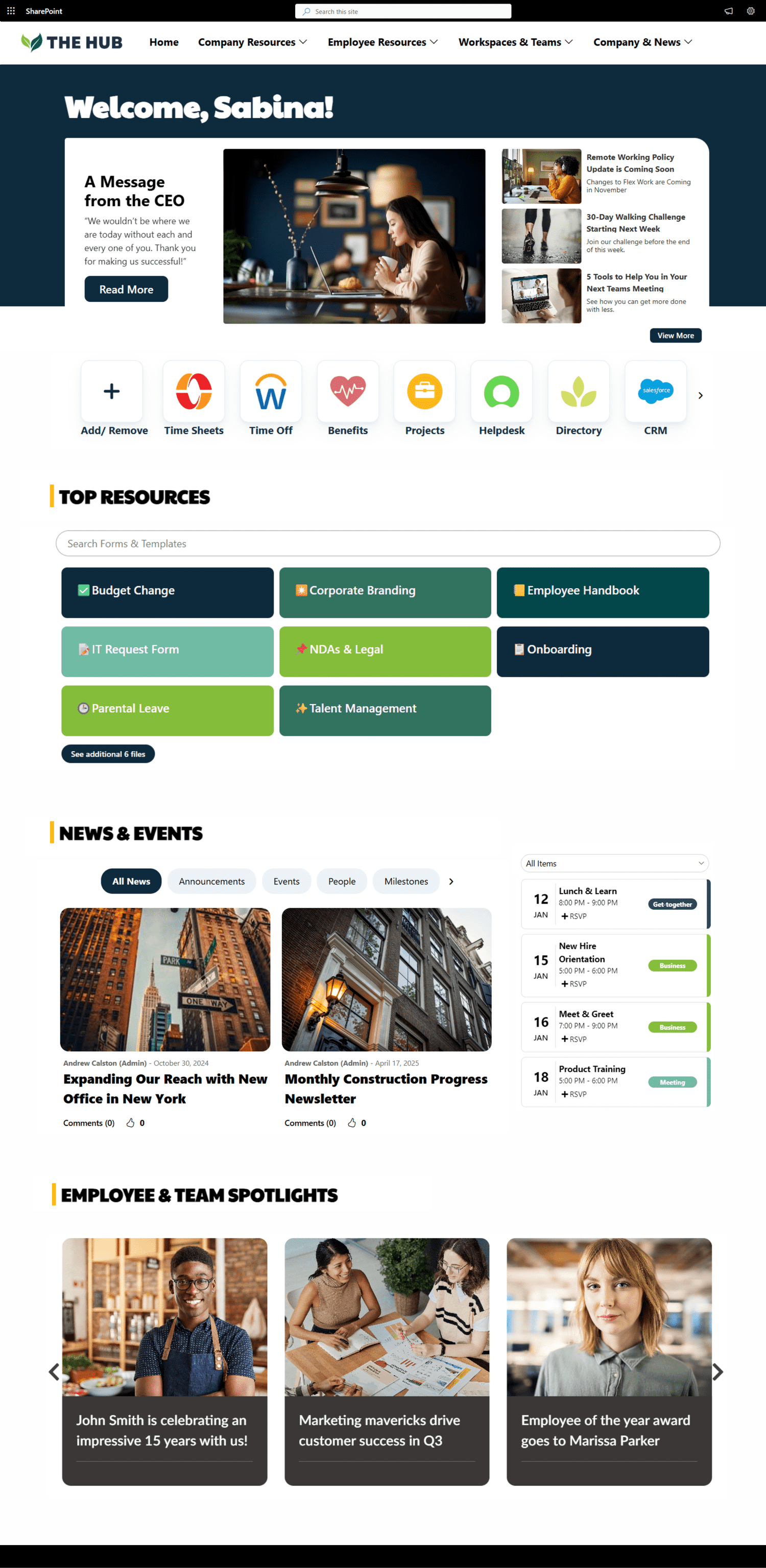



Get inspired with six company intranet examples built on data collected from hundreds of intranet sites. See intranet best practices and design ideas to help you build an intranet employees will love.