

Why SharePoint Alone Falls Short
SharePoint is a strong, secure platform with top-of-the-line features for file sharing and collaboration, but when you try to use it as a company intranet, for a lot of people it falls short, and here are some of the reasons why:
Limited design options
The default SharePoint templates look plain and there are limited design options to make them look better. You get very little say about what colors, fonts, and sizes can be used in web parts. Customizing the design often requires custom development.
Basic web parts
You get the essentials, but there are no rich intranet features for personalization, social engagement, and tracking.
Hard to reuse your designs
There’s no simple way to copy and reuse pages you’ve designed on other sites, like department sites, so you have to re-create your pages each time. This can slow you down a lot.
Slow to launch
All of the above makes your SharePoint intranet take months to build and launch, and the result can still end up looking like a patchwork of workarounds.
How to Get More from Your SharePoint Intranet
Here’s how you can get around SharePoint’s intranet limitations.
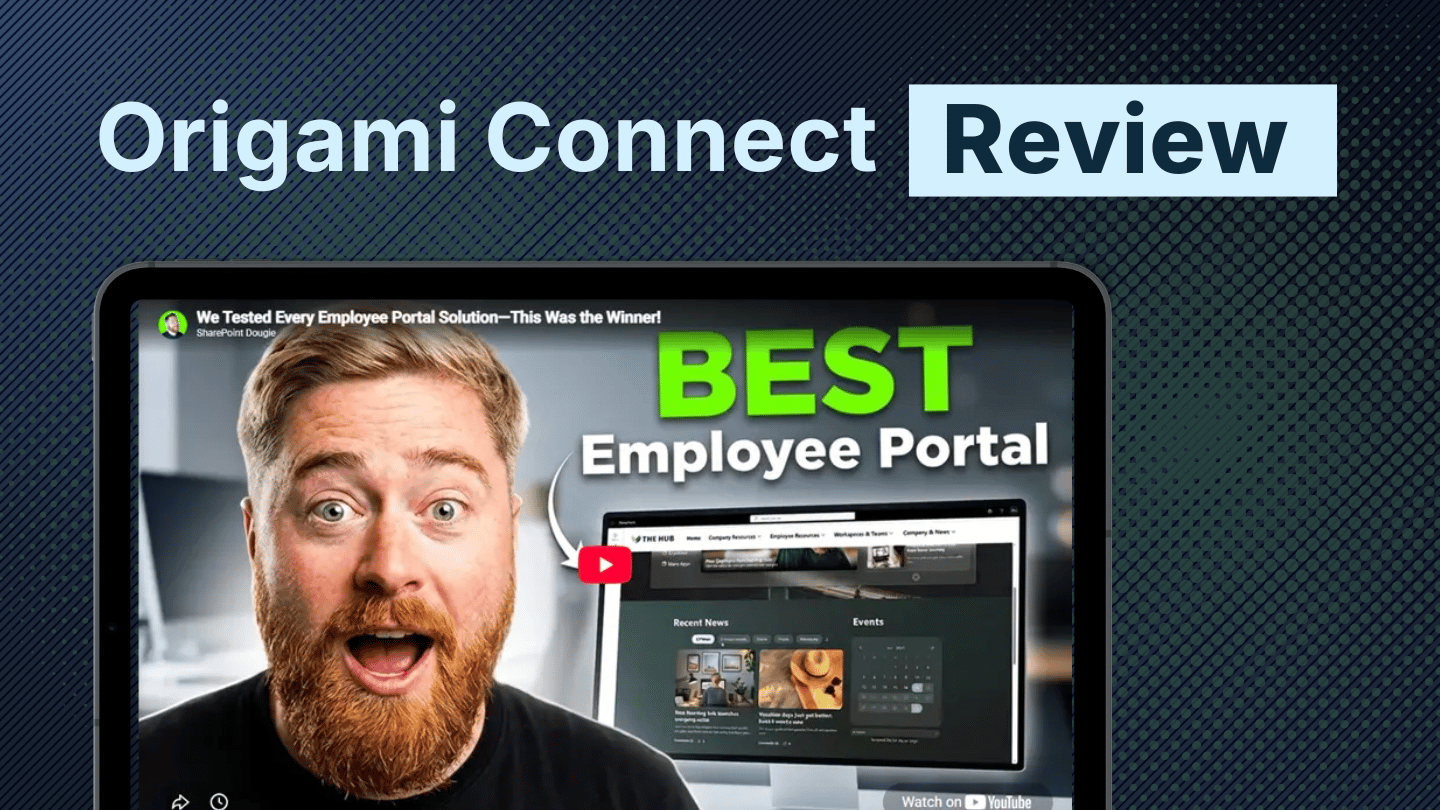
Because Origami is hosted in your SharePoint App Catalog, your data never leaves your Microsoft 365 tenant, which means:
More security
No third-party hosting, no outside data handling, and no need for SOC Type 2 attestations.
Better performance
Origami components run faster because they’re hosted in the same tenant as your data, and they’re isolated from all other customers.
Lower cost
We don’t incur any hosting fees and we pass on the savings to you in the form of perpetual license to use the software.
In practice, this means:
- No hidden costs — the web parts you purchase are yours to keep.
- No new platform to learn — Origami uses the same SharePoint web part experience you already know.
- Works with Microsoft 365 — as Microsoft adds new web parts and features, you can use them alongside Origami.
SharePoint Intranet Solutions: Origami vs. Hosted Intranet Platforms vs. Custom Development
Here’s a side-by-side comparison of the three main SharePoint intranet solutions: custom development, hosted intranet platforms, and Origami for SharePoint.
This table highlights the differences in cost, security, performance, and long-term ownership.
| Feature | Origami for SharePoint | Hosted Intranet Platforms | Custom Development (Contractors) |
|---|---|---|---|
| Hosting model |
✓Installed in SharePoint App Catalog, runs fully inside Microsoft 365 tenant
|
✕Cloud-hosted overlay; runs partly or fully outside Microsoft 365
|
✓Installed in SharePoint App Catalog, hosting depends on how developers built it
|
| Data security & compliance |
✓All data stays in Microsoft 365
✓No third-party servers
✓No SOC 2 attestation needed
|
✕Data may live on vendor servers
✕SOC 2 attestation recommended
|
✓Data most likely stays in Microsoft 365
!Compliance depends on contractor's practices
|
| License model |
✓Perpetual license (one-time purchase)
✓Covers entire tenant with unlimited users/designers
|
✕Ongoing per-user, per-month fees
✕Costs grow as users increase
|
✓Likely perpetual license
!Costs depend on build effort
|
| Integration with SharePoint |
✓SPFx web parts, native and fully integrated with SharePoint
✓Mix and match Origami and Microsoft web parts
|
!Likely an overlay on top of SharePoint
✕Cannot mix and match web parts on the same page
|
✓Custom SPFx components
✓Likely can mix with SharePoint web parts
|
| Performance |
✓Faster — runs inside your tenant and isolated from other customers
|
✕Slower — routes requests through vendor servers
✕Shared infrastructure
|
✓Faster — likely runs inside your tenant
!Depends on code quality
|
| Vendor lock-in |
✓No lock-in — own the web parts forever
✓Keep using without support
|
✕High lock-in — leaving requires migration projects
✕The software cannot be used without renewals
|
✕High — contractors often own codebase and knowledge
|
| Upgrade cycle |
✓Updates driven by customer feedback and included
|
✓Updates included, often driven by feedback
|
✕Must pay contractors for every change
|
| Future-proofing |
✓SPFx solutions stay compatible with Microsoft 365 updates
✓Pre-tested by millions of users
|
!Microsoft updates can disrupt overlay
✓Pre-tested by other users
|
✕Risky — custom code often tested only internally
✕Bug fixes cost extra
|
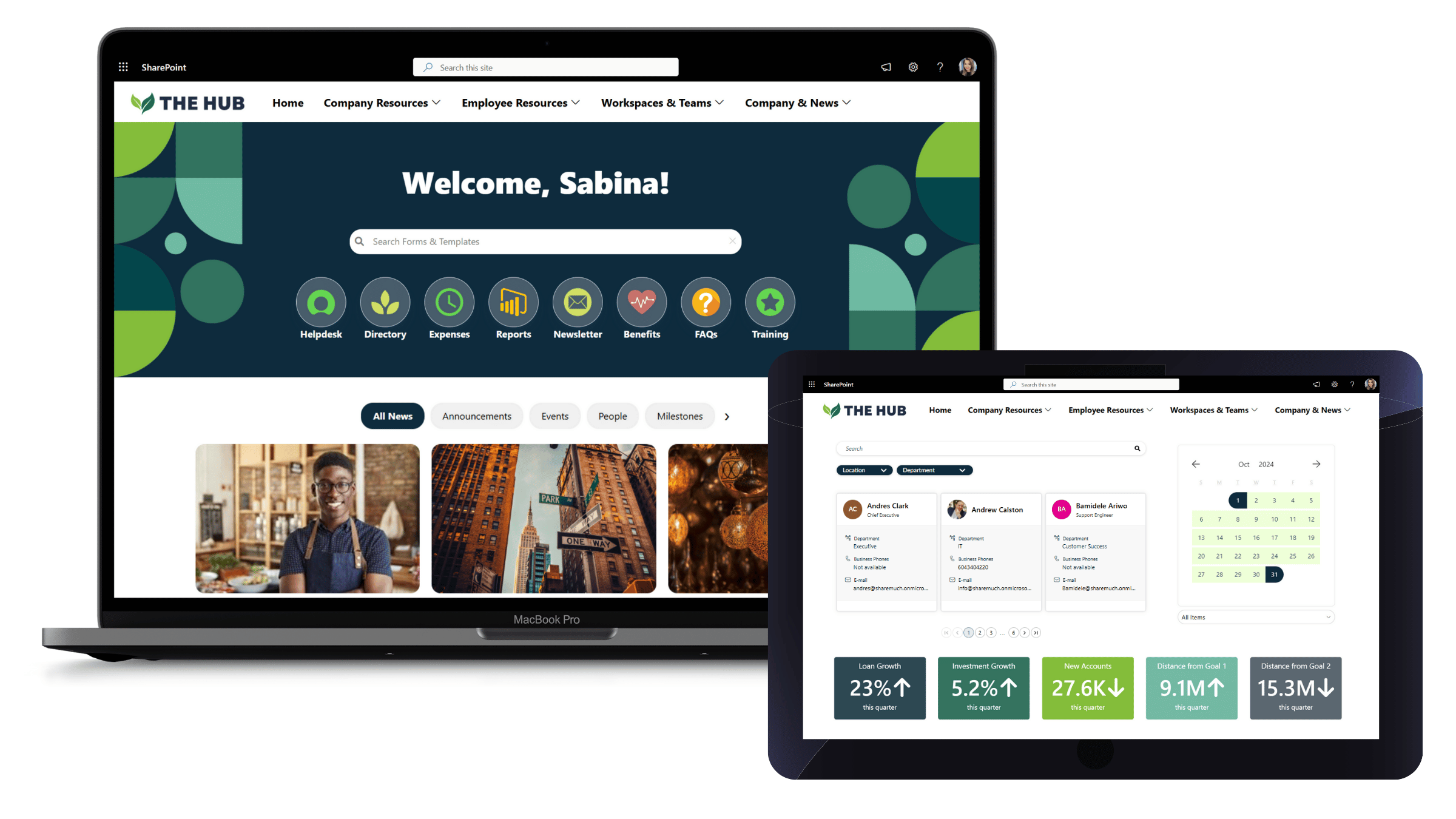
How Origami Completes SharePoint
Origami transforms SharePoint into a modern, website-like intranet employees actually enjoy using.
With Origami, you get:
Everything you need to make SharePoint look, feel, and work like a modern intranet without custom development.
Navigation & Search
Go beyond SharePoint’s generic menus and hit-or-miss search. Origami gives you customizable top navigation, wiki-style side navigation, and targeted search that surfaces only the documents employees need instead of endless irrelevant results.
Look and feel
Make SharePoint look like a modern website. With branded quick links, carousels, tabs, and custom headings, you can turn bland pages into stunning, on-brand intranet experiences employees are proud to use.
Personalization
SharePoint offers audience targeting on some web parts, Origami extends targeting even further. You can target content by role or department, let employees save personal bookmarks, and add greetings that make the intranet feel welcoming and relevant.
Social features
Bring culture into your intranet. Celebrate wins with kudos boards, recognize milestones with anniversaries and birthdays, and keep employees engaged with a live company LinkedIn feed.
Compliance features
Keep your workforce informed and accountable. Remind employees about required training, track mandatory read acknowledgments, issue alerts that stay visible across pages.
Employee Directory & Org Chart
Make it easy to find colleagues and understand your company structure with a people directory and org chart that update automatically from Entra ID.
Pre-Built Intranet Templates
Origami comes with ready-made intranet pages built on best practices, so you can get started right away. And because they’re fully customizable, you can easily adapt them to match your brand in just a few clicks.
A Tool to Copy Pages Across Sites
A big pain in native SharePoint is that you can’t easily reuse or copy pages. Origami lets you instantly duplicate great designs across departments without rebuilding from scratch.
What About Product Upgrades?
Fast innovation cycle
You don’t have to wait months for improvements. Origami has an active customer community that regularly suggests enhancements, and we release new features often within days, not years.
See how fast Origami implements customer requests →
No long roadmaps or delays
Unlike other solutions that lock you into long roadmaps, Origami lets you see and use upgrades almost as soon as they’re ready, so your intranet keeps getting better without the wait.
See Origami roadmap →
What Our Customers Say About Origami
Organizations like Dolby, AAA, Autodesk, and Kaiser Permanente, along with hundreds of others worldwide, rely on Origami to power their SharePoint intranets. Here’s what they say:
Origami has been instrumental in helping us bring our intranet vision to life. Installation and setup were seamless, and the web parts were very intuitive to use. We also found the product to be great value for money. On the occasions we had questions, the Origami Connect support team was responsive and helpful, which gave us extra confidence in our choice.
Nicole
Manager, Human Resources,
Government Administration,
(1,001–5,000 employees)
Source: Capterra review
Origami elevated the look and feel of our newly built SharePoint intranet. We were able to start using it all within a week. Origami provides great value for its price point and product. It's visually compelling and very easy to manage as an addition to your SharePoint intranet.
Michael P.
Digital Communications Officer,
Government Administration,
(501–1,000 employees)
Source: Capterra review
Why Teams Choose Origami
Book a demo today and see how Origami can help you create the SharePoint intranet your employees will love!